The starter collection
PhotoCraft practice files
Five original files, organized around three tasks. Download a file first, then open PhotoCraft and choose File > Open inside the editor. Dimensions describe these examples, not the editor’s limits. Artwork is CC0.
Edit a title: three PSD layouts
Each layout uses the same simple text task: a real title layer, background and accent. Inter Regular is included in the editor. These previews are actual PhotoCraft exports.
01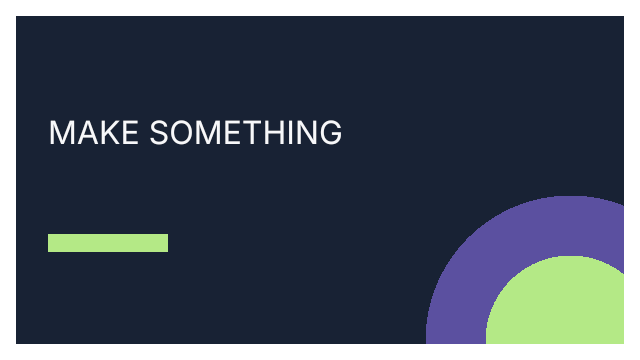
A title that’s yoursLandscape cover
Editable title layer · Actual PNG preview from PhotoCraft
Replace “MAKE SOMETHING” with your cover title and export a landscape PNG.
640 × 360 · Inter Regular
Download PSD exampleAfter downloading, choose File > Open inside the editor. Artwork: CC0.
02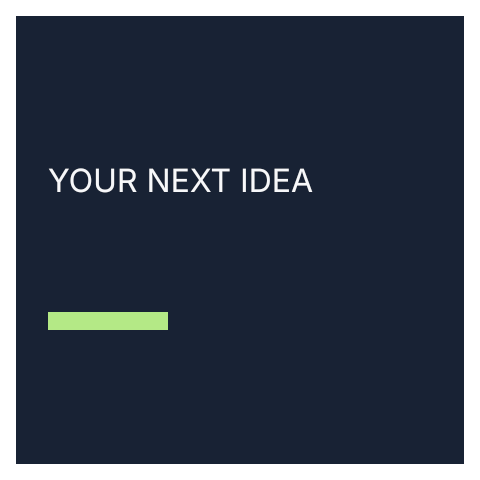
A square to shareSquare announcement
Editable title layer · Actual PNG preview from PhotoCraft
Replace “YOUR NEXT IDEA” with your announcement and export a square PNG.
480 × 480 · Inter Regular
Download PSD exampleAfter downloading, choose File > Open inside the editor. Artwork: CC0.
03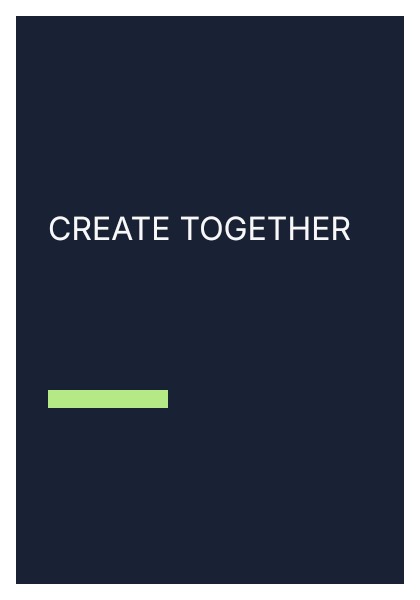
A poster to tryEvent poster
Editable title layer · Actual PNG preview from PhotoCraft
Replace “CREATE TOGETHER” with your event title and export a portrait PNG.
420 × 600 · Inter Regular
Download PSD exampleAfter downloading, choose File > Open inside the editor. Artwork: CC0.
Download a PSD, then choose File > Open inside the editor. These are deliberately simple examples, rather than a promise that every PSD feature is compatible.
Try a PNG task
Check existing transparency
Export a star badge that already has transparent corners and translucent rings. Check the result against light and dark backgrounds.
320 × 240 · PNG · Original practice input
Download PNG exampleFollow the PNG export guide →
The badge starts with transparency; this exercise does not remove a background. PNG text is part of the image, so choose a PSD above to practice replacing words. Keep your original file and check the downloaded result before leaving the workspace.
 PhotoCraftTools